Tutoring Centers
Exam-prep and after-school centers, including multi-branch groups and franchises.
Mentor AI turns your teaching material into a personal study assistant for every student — under your own name, logo and colors. And alongside it, your school's whole daily routine: automatic timetabling, attendance, gradebook and parent notifications.
Mentor AI adapts to your structure — from a single tutoring center to a group with many branches.
Exam-prep and after-school centers, including multi-branch groups and franchises.
Reinforced study at home with the school's own material.
An AI assistant per course, built on the professors' own notes.
Practice, vocabulary flashcards and quizzes at every level.
From the AI assistant to the front office and the parents — all in one system.
Teachers upload their material (PDF) and the assistant answers students exclusively from it — not from the internet. Every answer includes its source (chapter, page) and related theory. Teachers control which chapters are active.
With one click, teachers generate quizzes, summaries, exercises and flashcards from their material — instantly available to students on their phones.
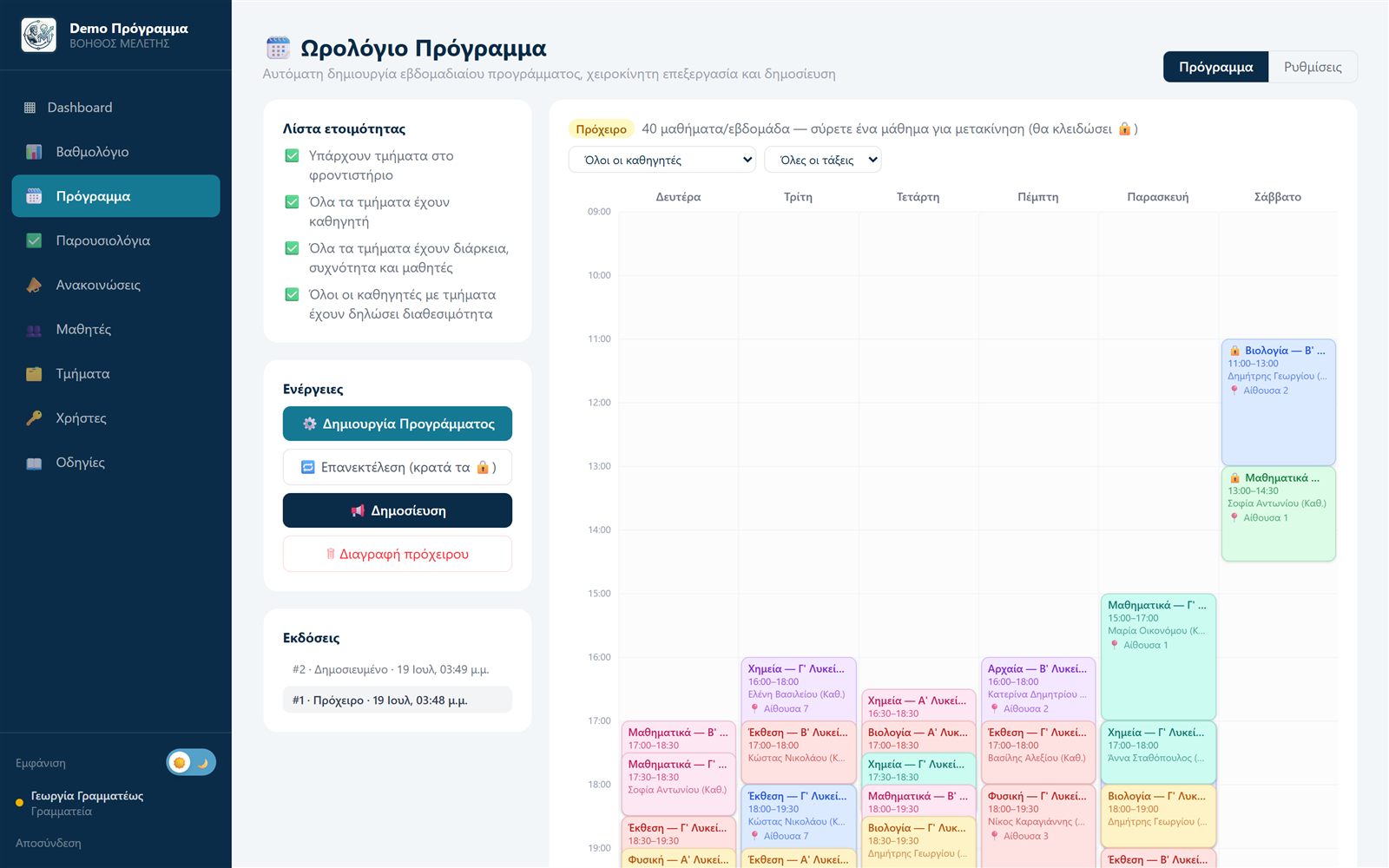
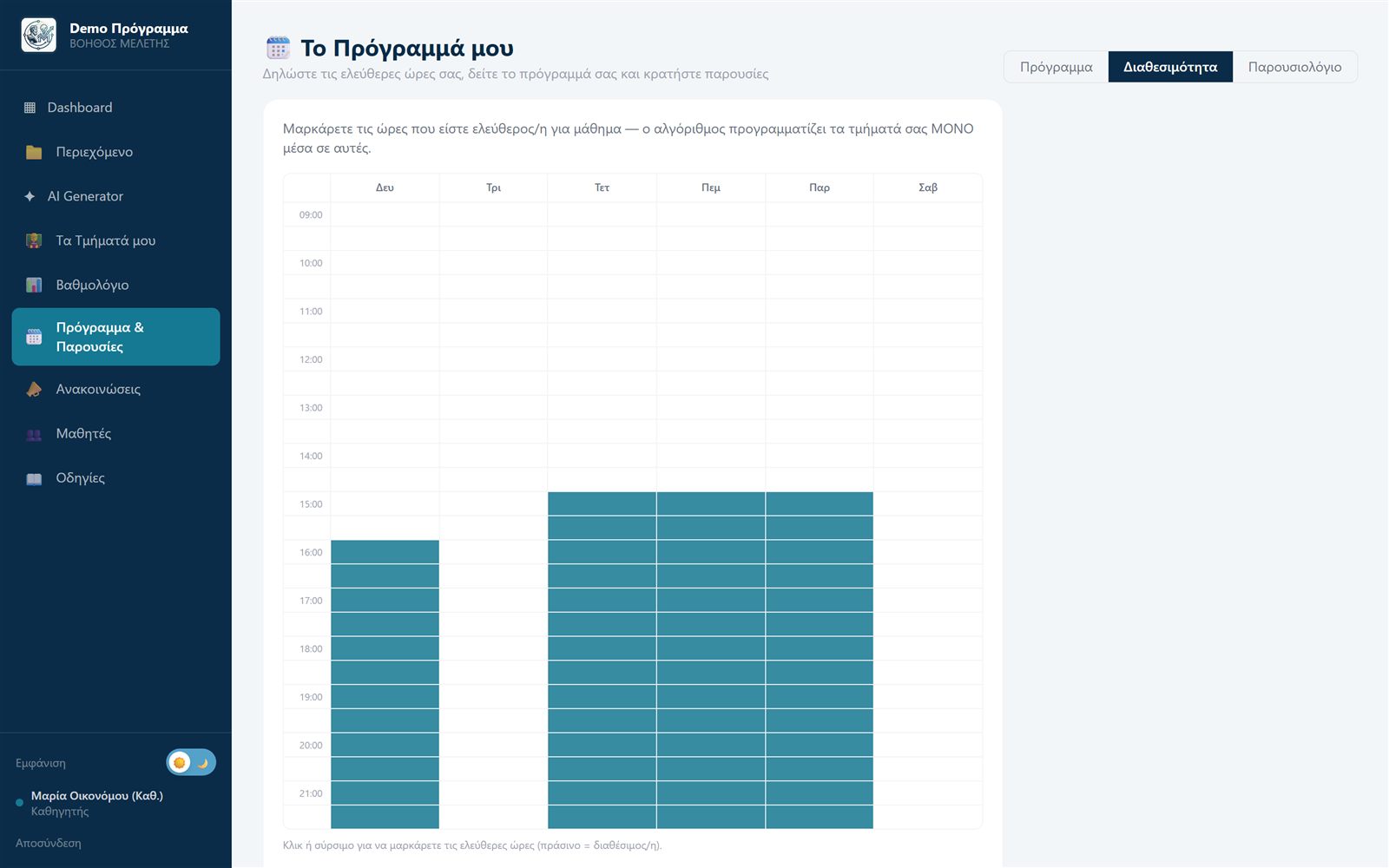
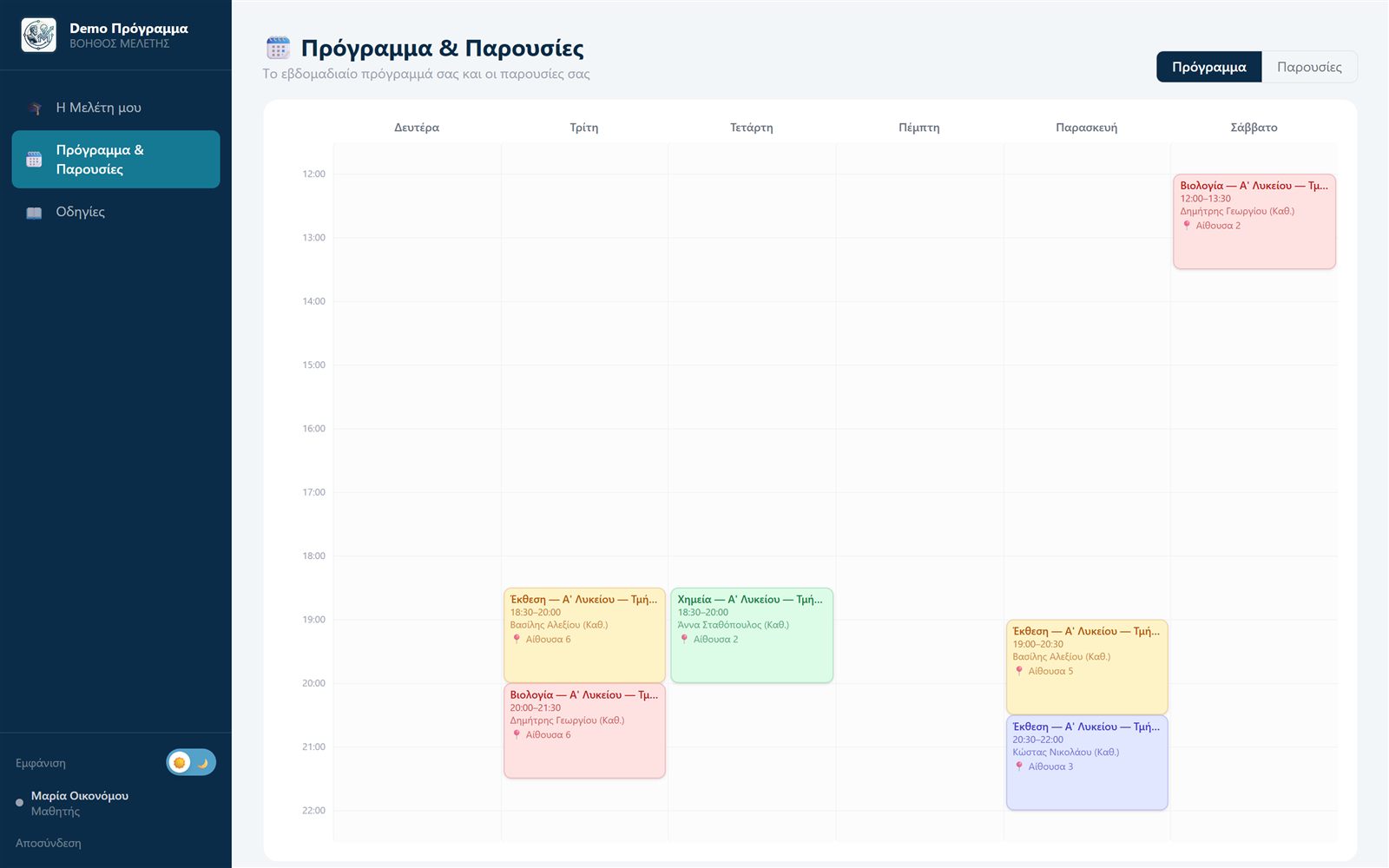
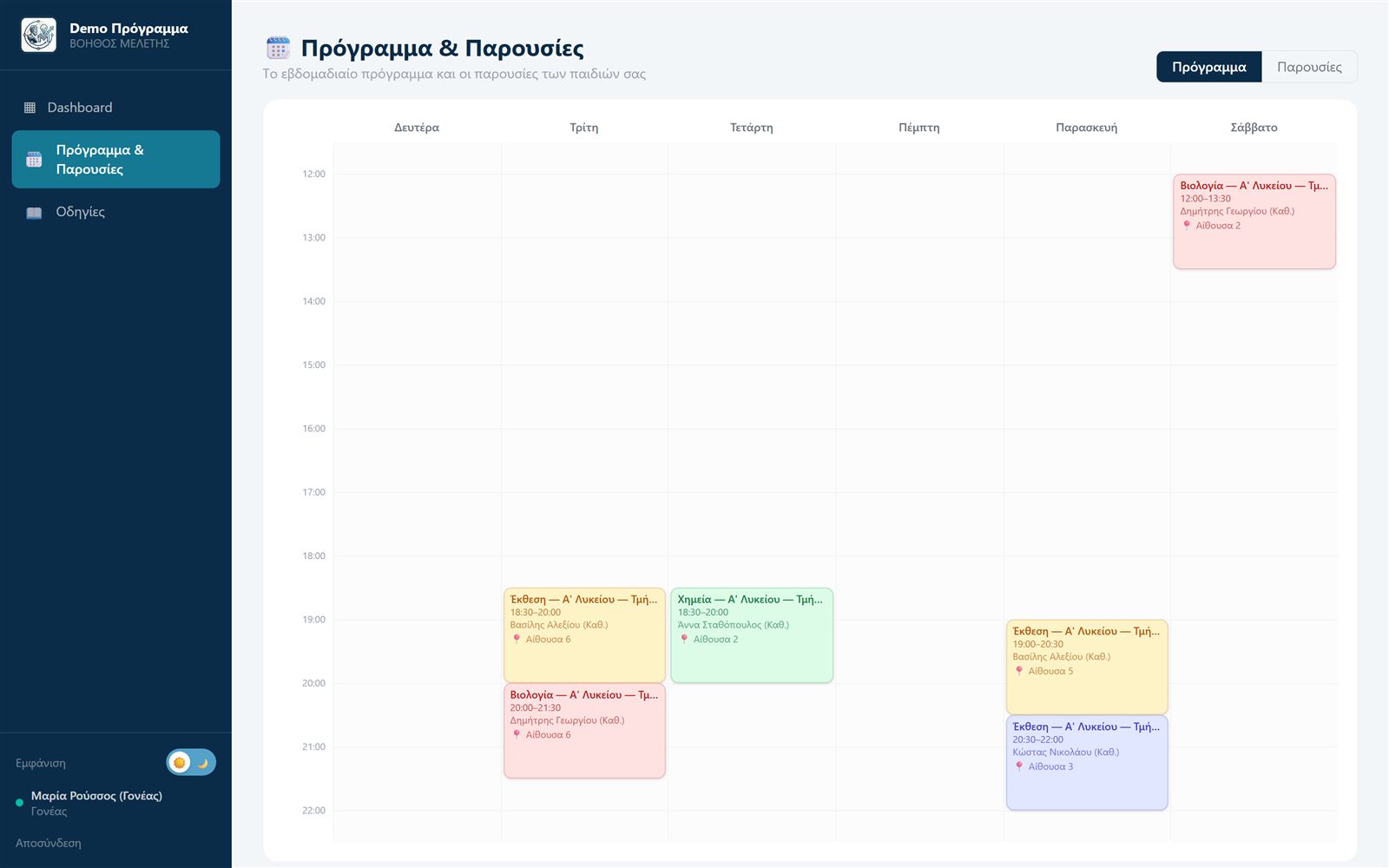
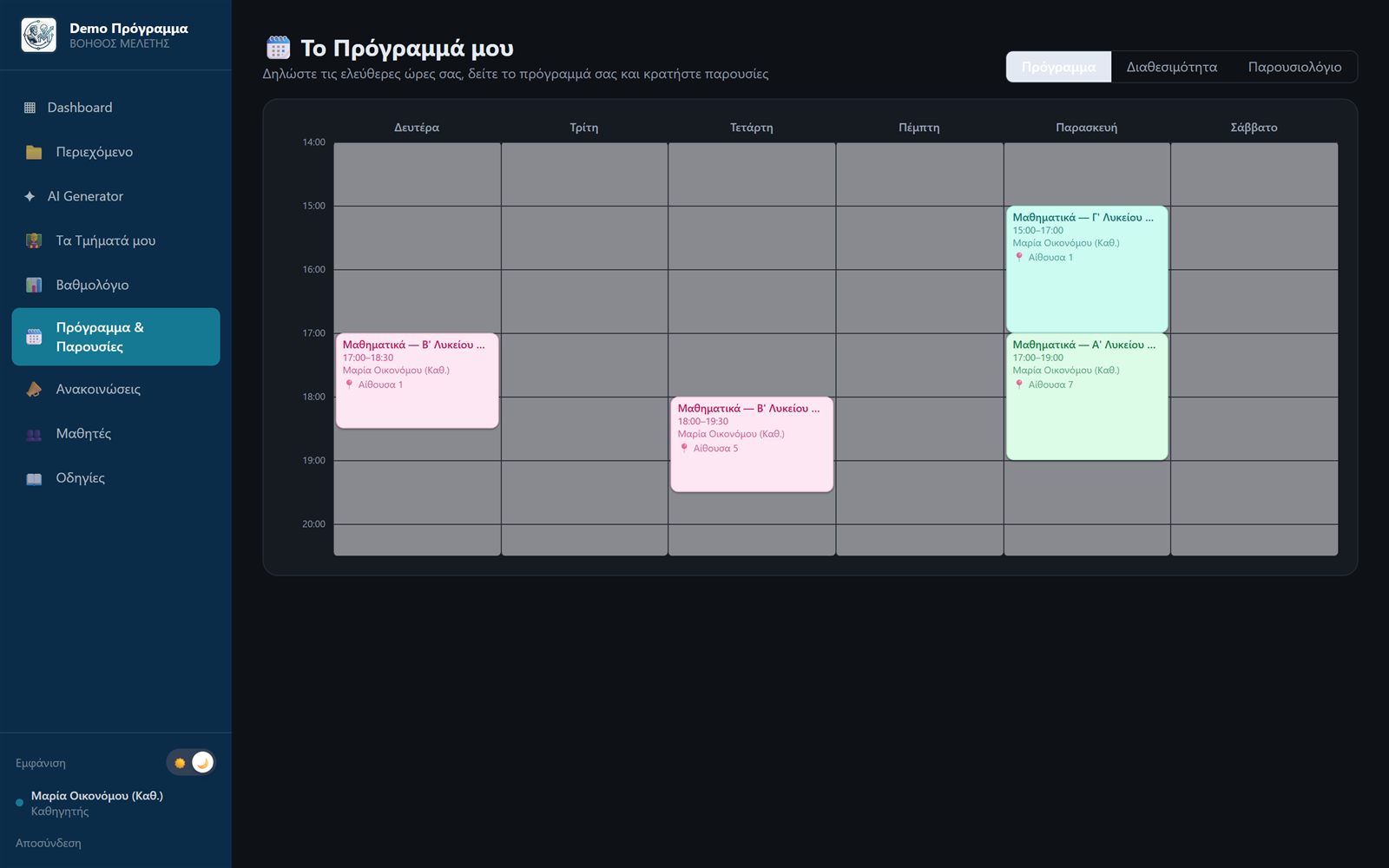
With one click, the platform builds the weekly timetable using a smart optimization algorithm: it respects teacher availability and classrooms, leaves students with no gaps between lessons and balances the workload. Fine-tune with drag & drop, then hit "Publish" and students and parents are notified automatically.
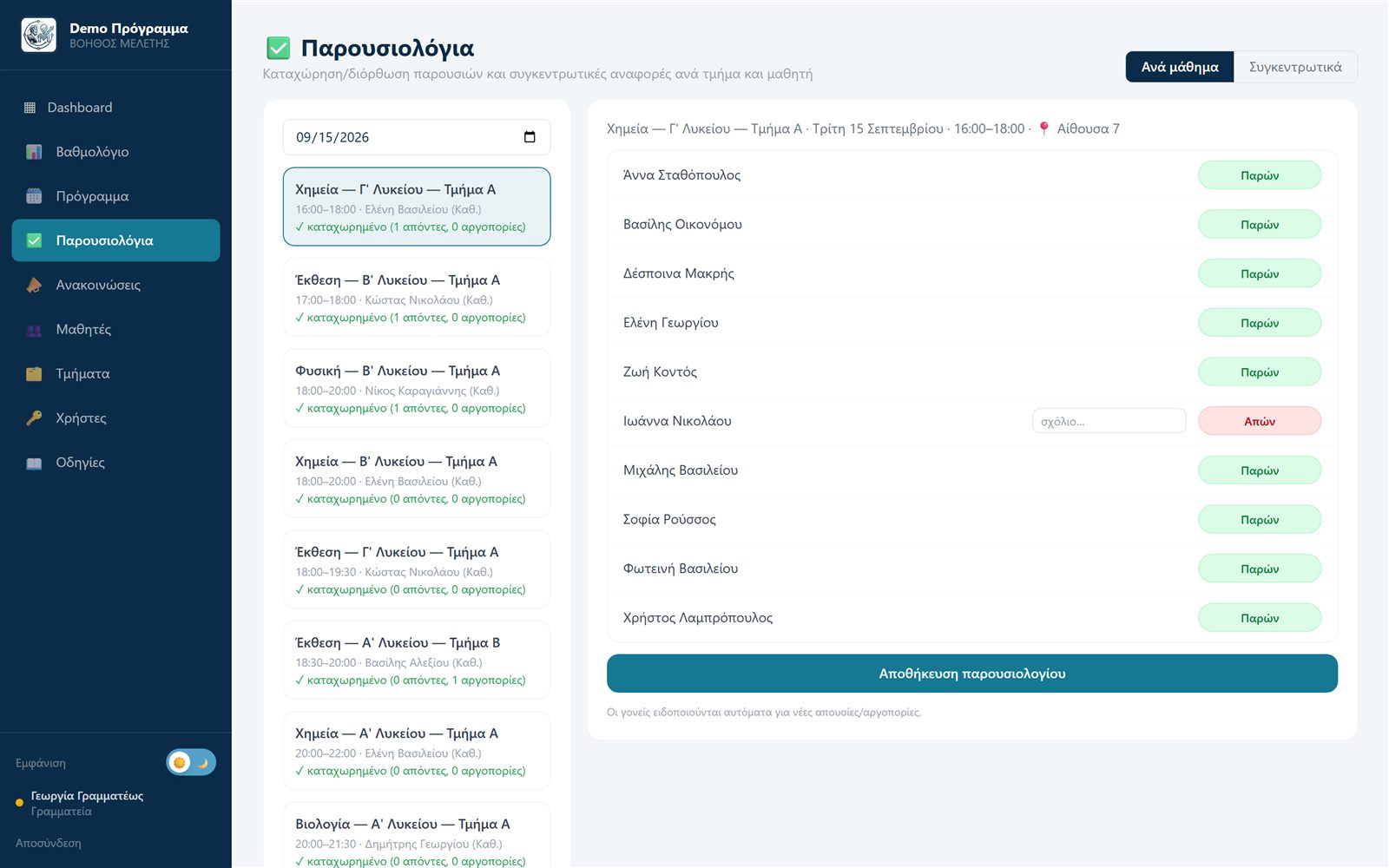
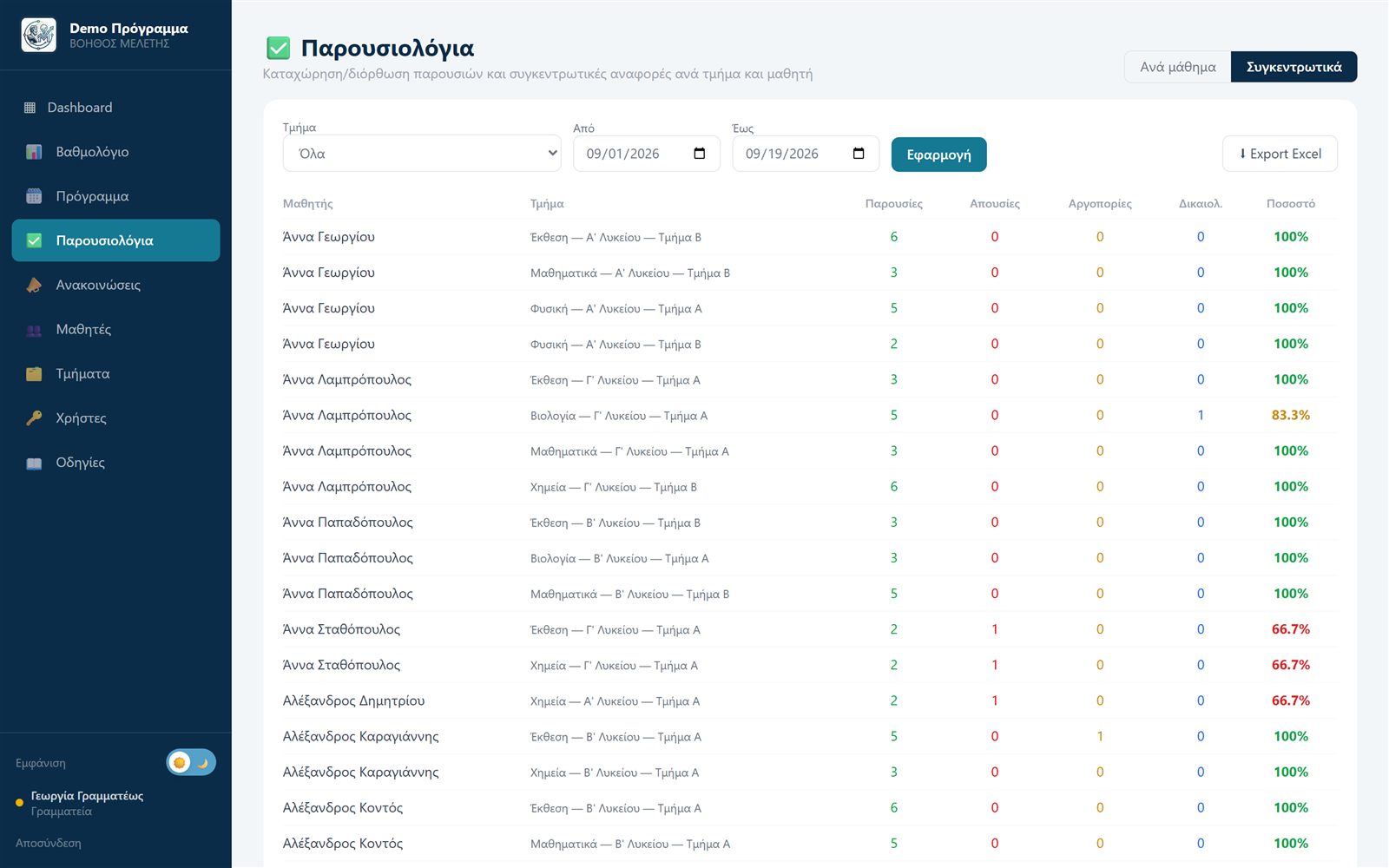
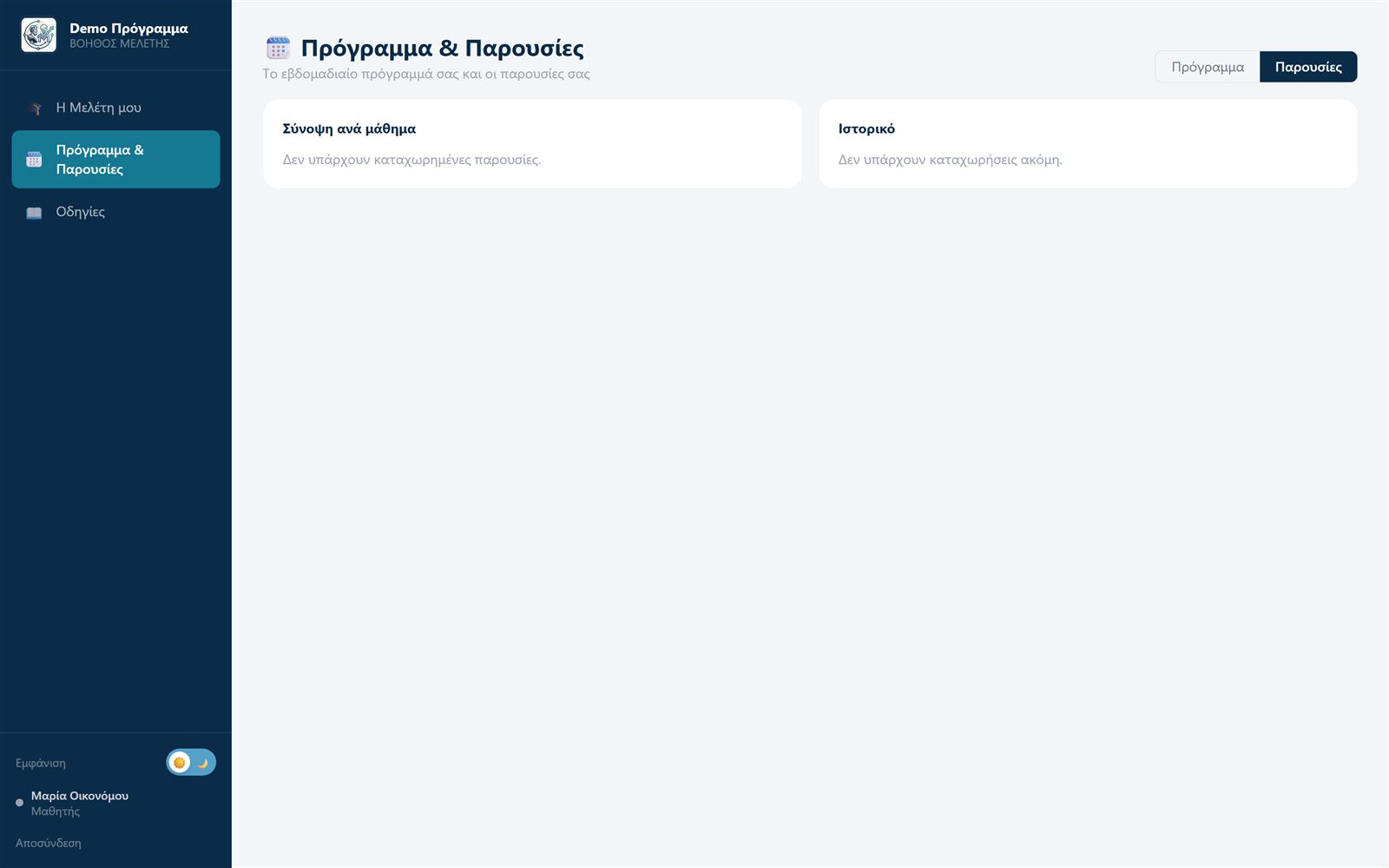
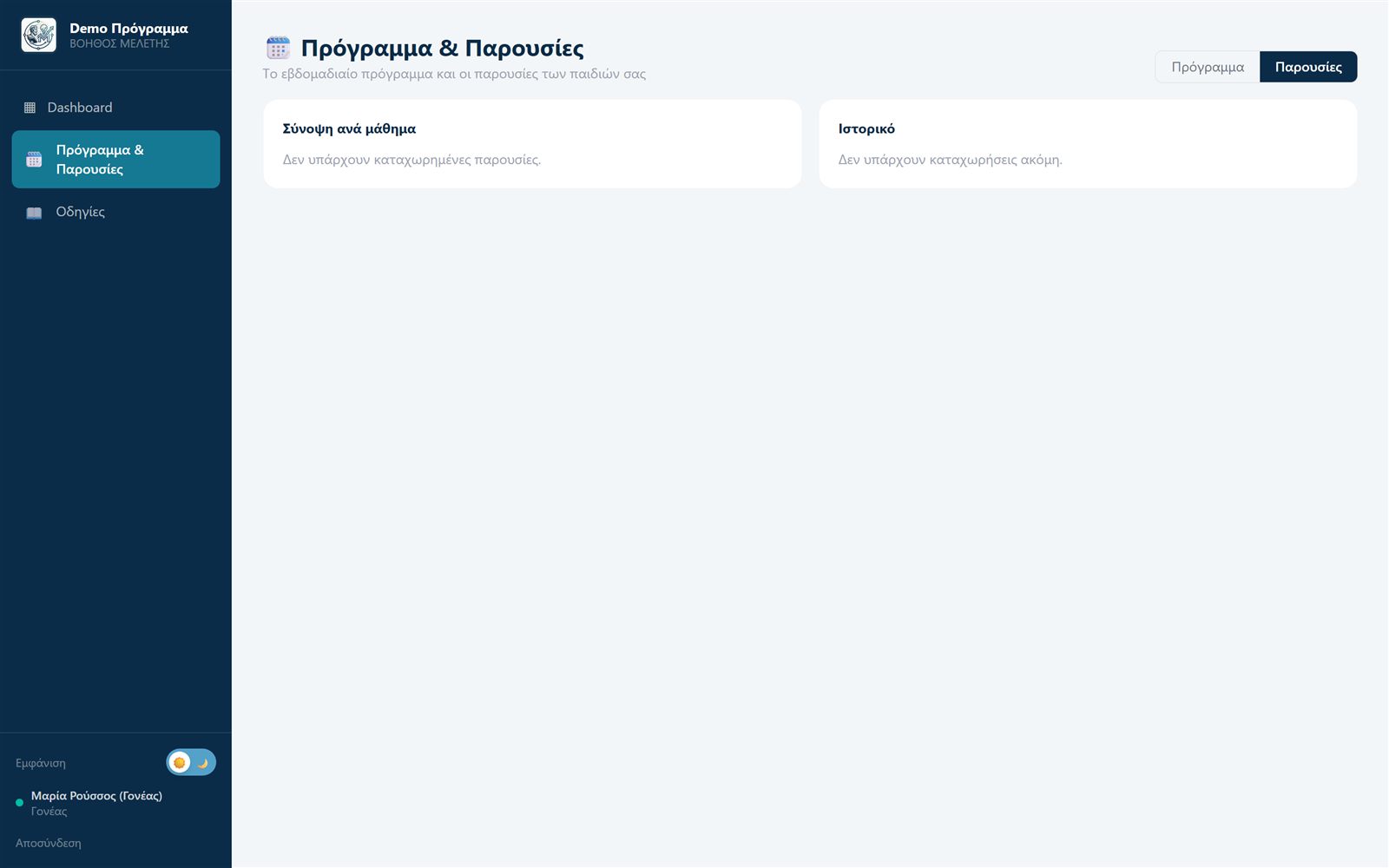
Teachers take attendance with one tap per student — and on every absence or late arrival the parent is instantly notified on their phone. The front office gets aggregate reports per class and student, makes corrections, marks excused absences and exports to Excel.
Quiz history, strengths and weak spots per student — visible to both teacher and parent.
Parents digitally approve their child's participation and monitor progress and AI usage.
Depending on your plan, you choose the monthly number of AI assistant questions per student — predictable usage, no surprises.
An app for Android and iOS: AI assistant, quizzes, flashcards, theory and progress — anywhere.
Teacher announcements, timetable publications, absences and grades reach phones automatically — with an in-app inbox and per-type notification switches.
Central management for education groups: multiple branches, shared branding, unified oversight.
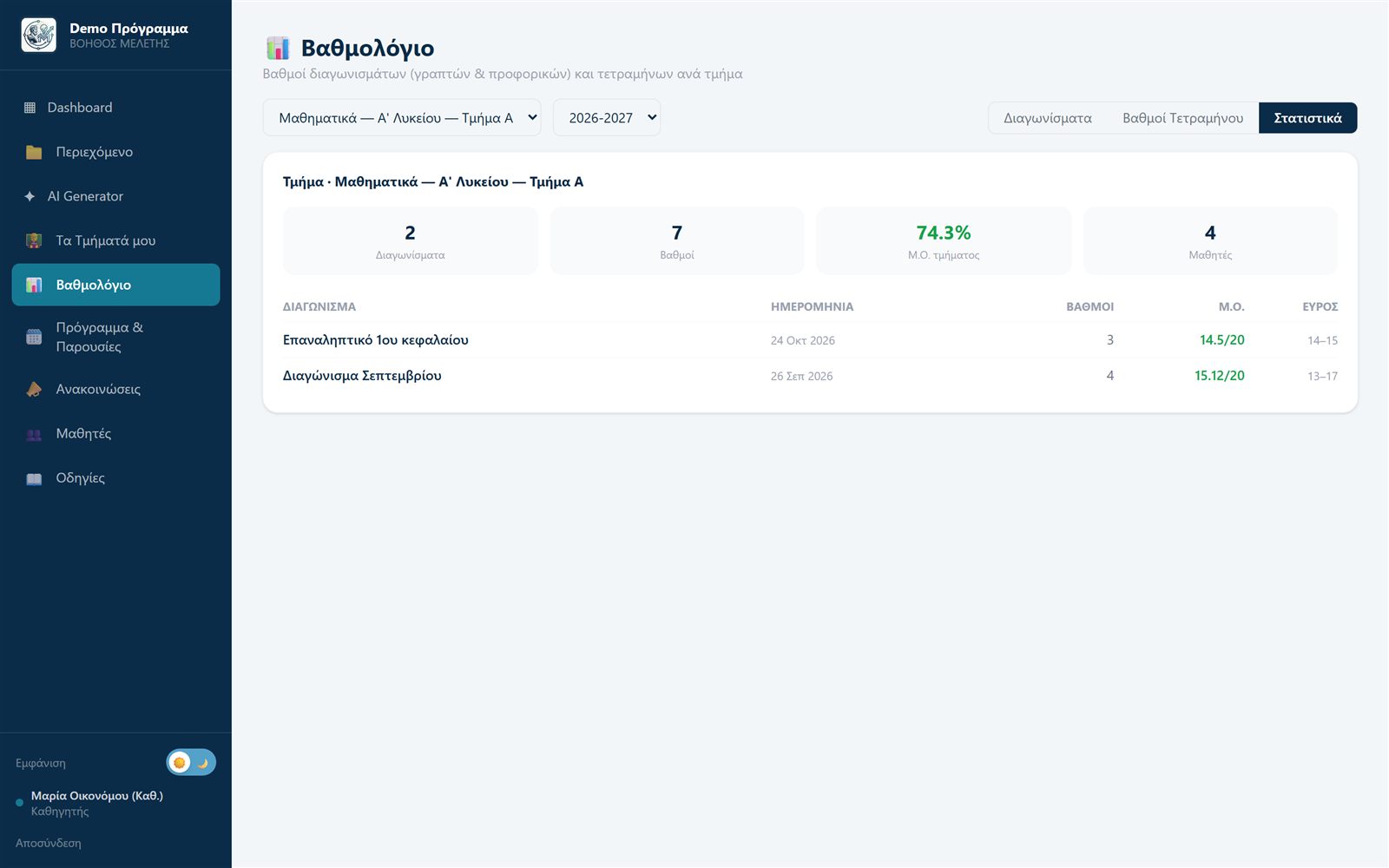
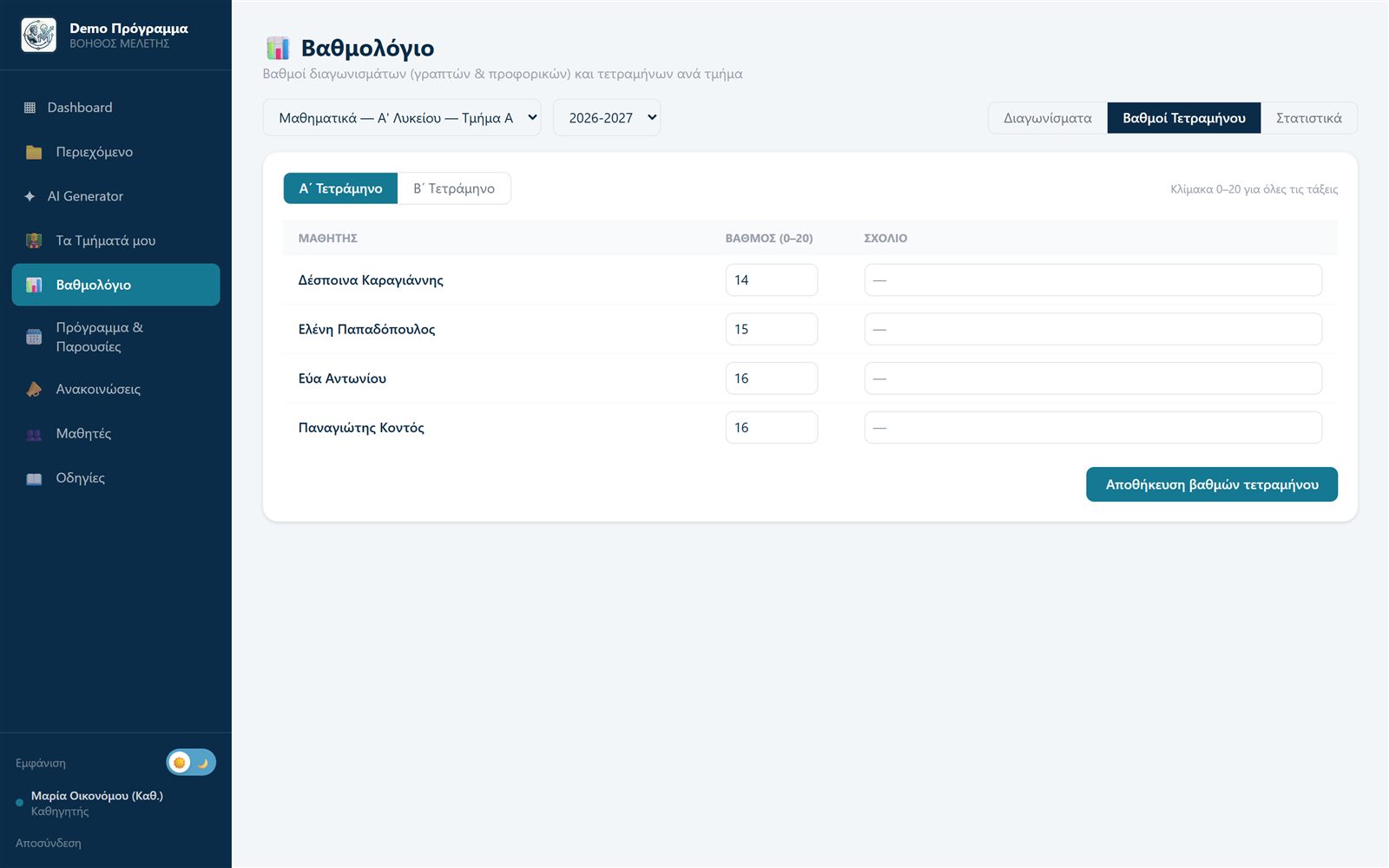
Written and oral tests, term grades, class averages and statistics — with optional grade notifications to students and parents.
Students photograph an exercise from their book and the AI assistant "reads" it and guides them step by step — always from your material. Enabled per organization.
Parents see each child's timetable, attendance and progress on their phone — with light and dark themes.
Real screens from the working environment — shown with demo test data.
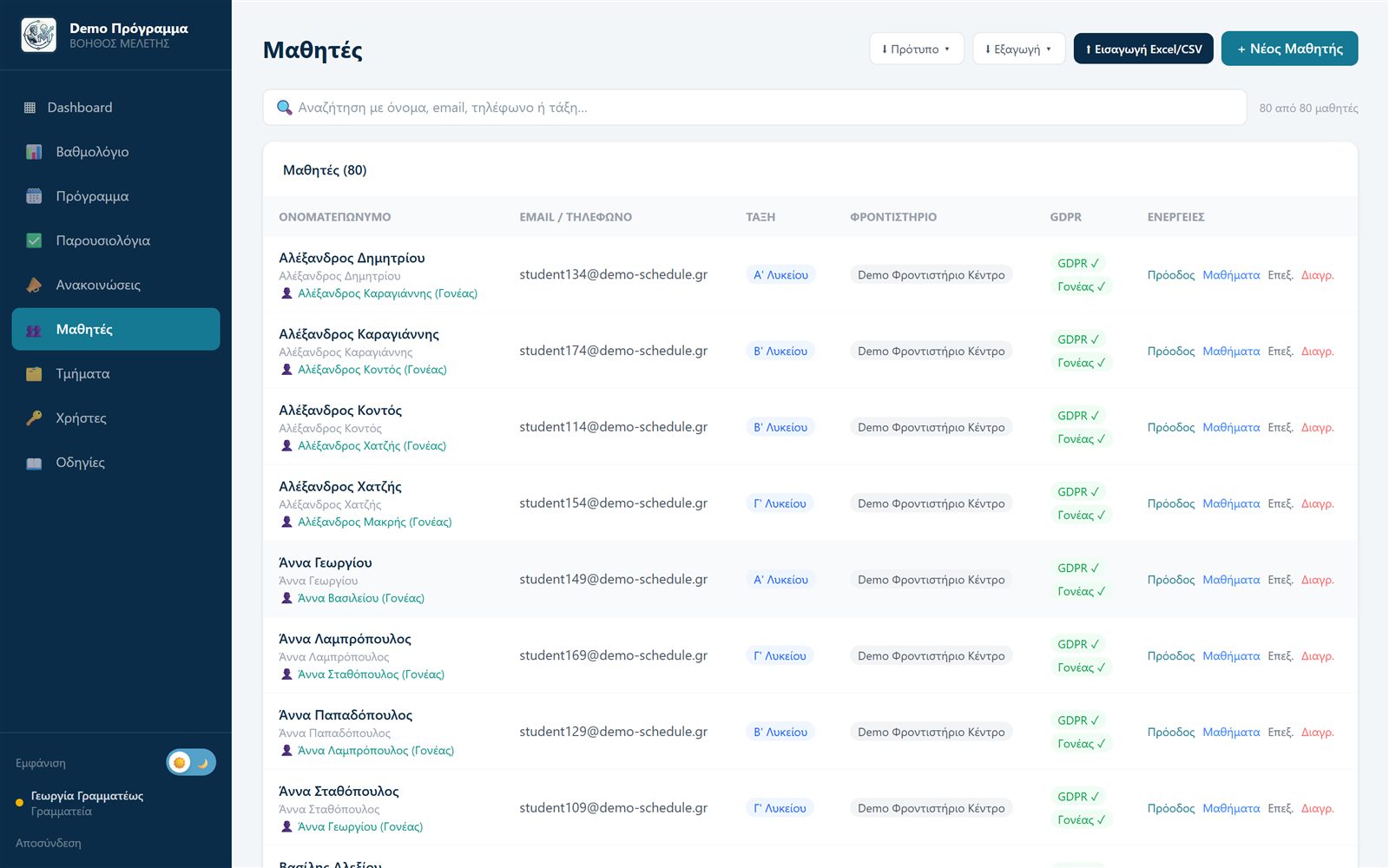
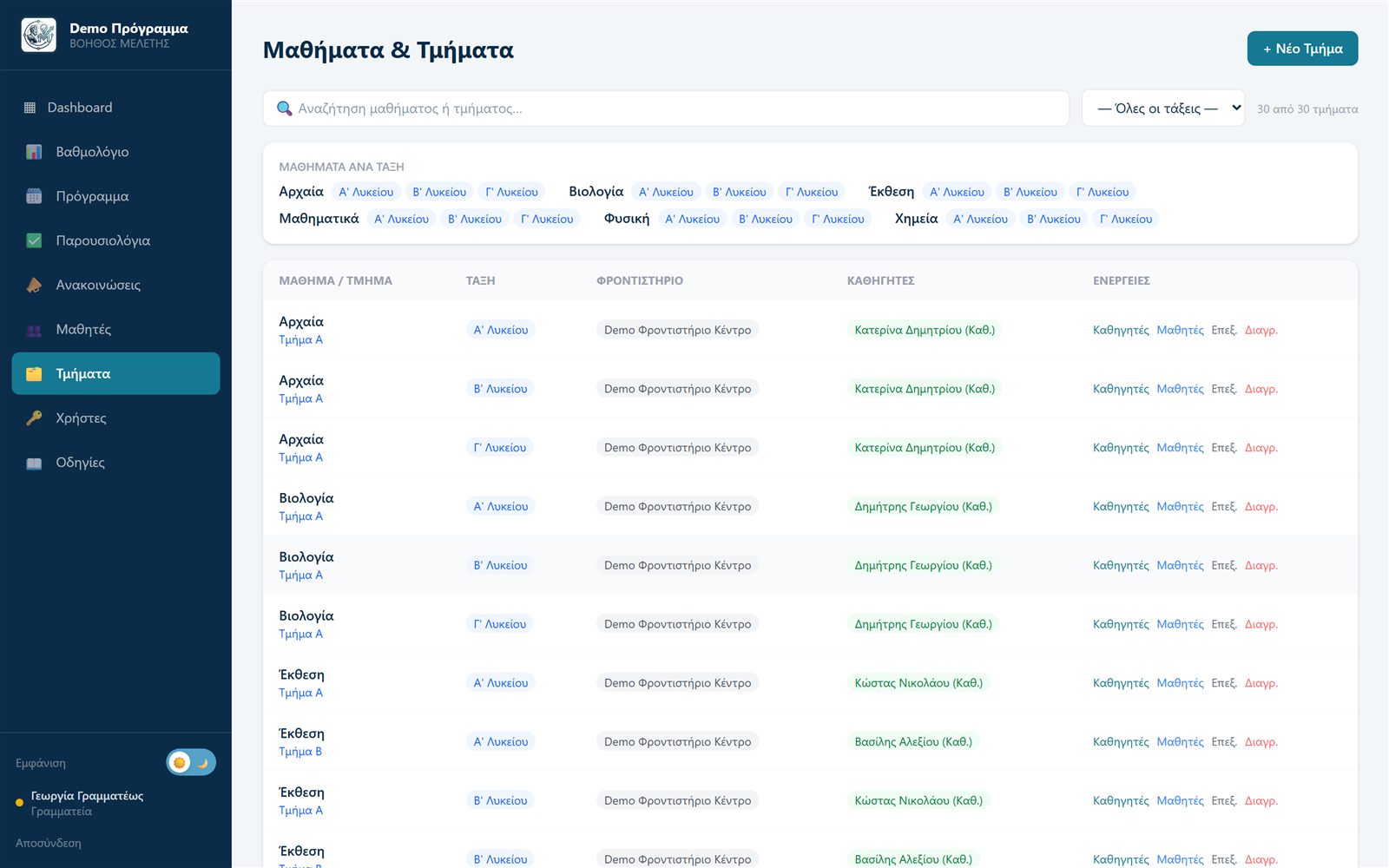
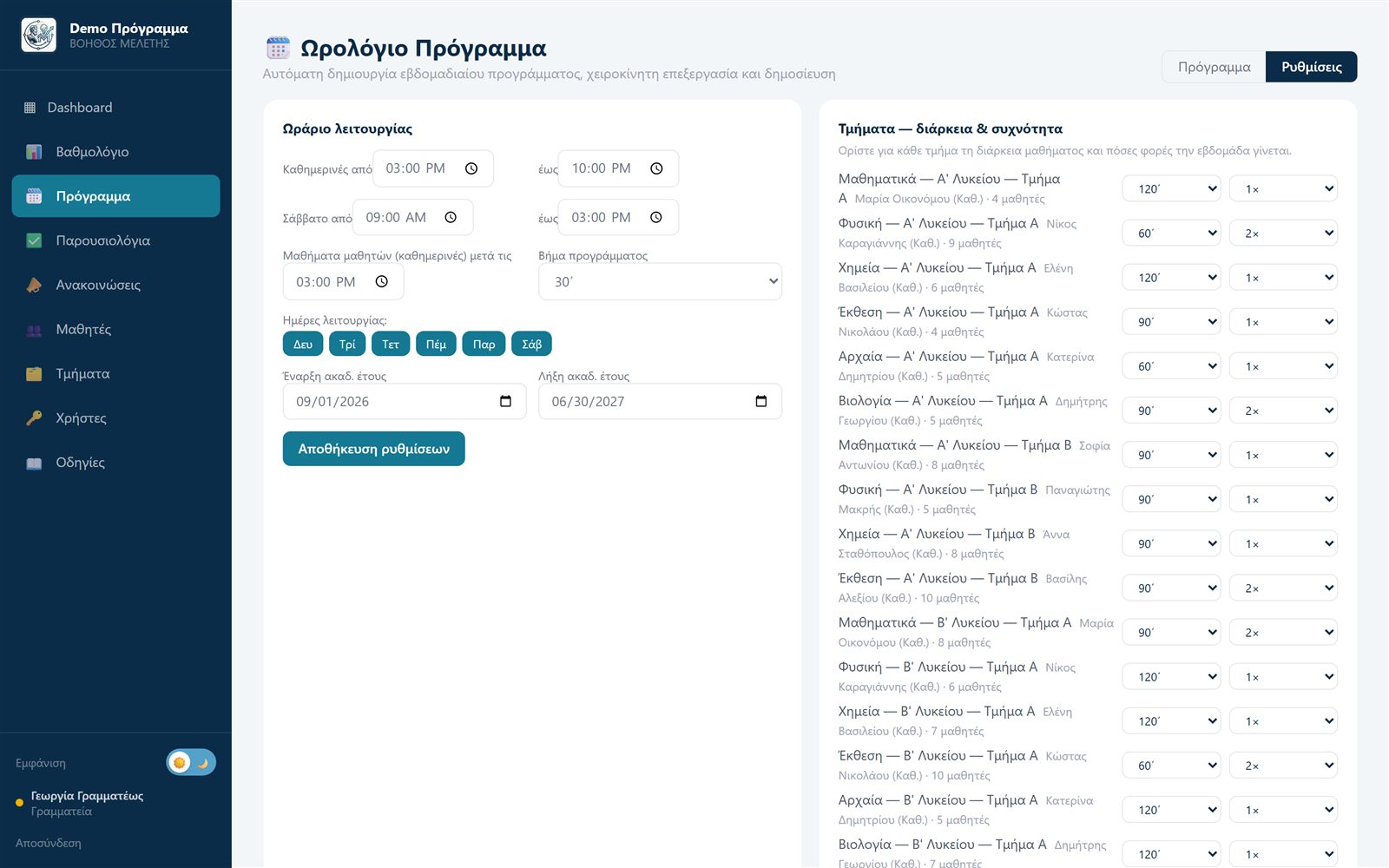
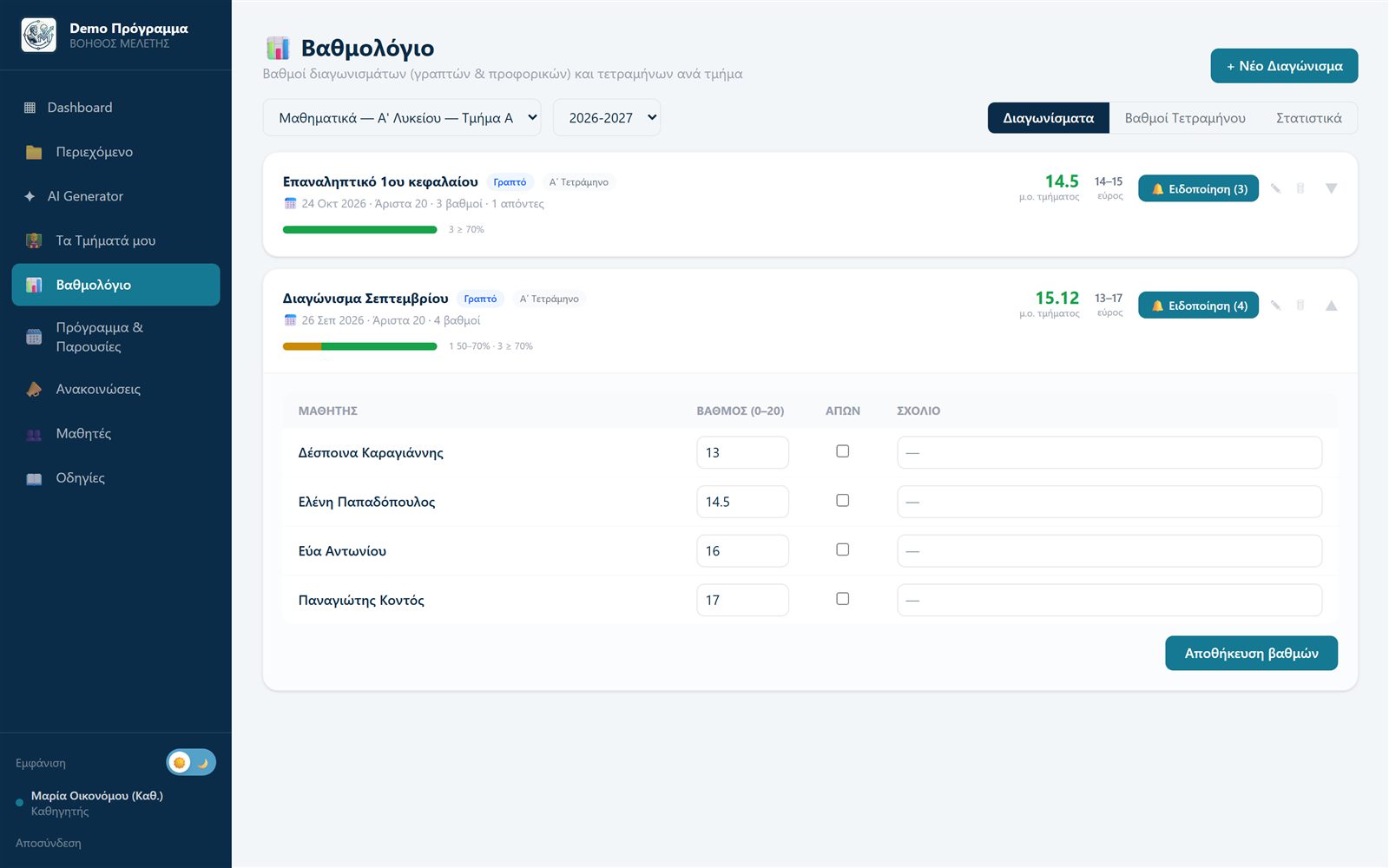
Teachers upload the course PDFs — notes, books, handouts.
The platform extracts the text, detects chapters and prepares the material for the assistant.
Each student chats with the assistant on their phone and gets sourced answers — 24/7.
Progress, quiz grades, weak spots and AI assistant usage — all in one dashboard.
Eight roles with strictly separated permissions — from group management to parents.
Branches, staff and students — one unified view across the whole group.
Manages their own branch: staff, students and courses.
Uploads material, generates quizzes with AI, tracks their students' progress.
Creates student accounts and manages course enrollments.
Gives digital GDPR consent and monitors progress and AI usage.
AI assistant, quizzes, flashcards and progress — on mobile or desktop.
Central system oversight and technical support for organizations.
Each organization sees only its own data — complete separation.
Your students and parents never see "Mentor AI" — they see your school. Full visual customization with zero technical knowledge required.
👆 Try it — your platform changes just as easily
Protecting students and your organization's data isn't an add-on — it's the foundation.
A student account created by the school is activated only when a parent digitally accepts the policy — recorded with a timestamp and policy version.
Each organization operates in a strictly separated environment. No user ever sees another organization's data.
Instant account deactivation, AI usage limits, per-conversation caps and secure password resets via email invitations.
No. The assistant answers exclusively from the material your teachers upload, and only from the chapters they have enabled. Every answer includes its source (chapter, page), so students can go back to the theory.
Yes — Mentor AI is fully white-label. You set the platform name, logo, colors, and even the AI assistant's name, and your users sign in from your own dedicated login page.
Student accounts are activated only after explicit parental GDPR consent, recorded with a timestamp. Parents get their own portal where they can see progress, quiz grades and AI assistant usage.
Yes. Depending on your plan, you choose the monthly number of AI assistant questions per student. When the limit is reached, the assistant politely lets the student know — no surprises for you.
Yes. The weekly timetable is built automatically with a smart optimization algorithm — respecting teacher availability and classrooms and leaving students without gaps — and you can fine-tune it with drag & drop before publishing. Teachers take attendance with one tap, parents are notified automatically about absences or late arrivals, and the front office gets aggregate reports with Excel export.
Yes, the platform is designed for education groups: central management, multiple branches with their own directors and front office, teachers assigned to more than one branch, and unified branding everywhere.
Pricing is tailored to your organization's size and needs. Contact us for a free demo and a custom quote — no strings attached.
Send us a message and we'll get back to you promptly to arrange a free, live demo of the platform — with your own material if you like.